cd ..
EN
Networking
Skip Microsoft Account Creation During Windows 11 Installation!
R
Rodolfo Echenique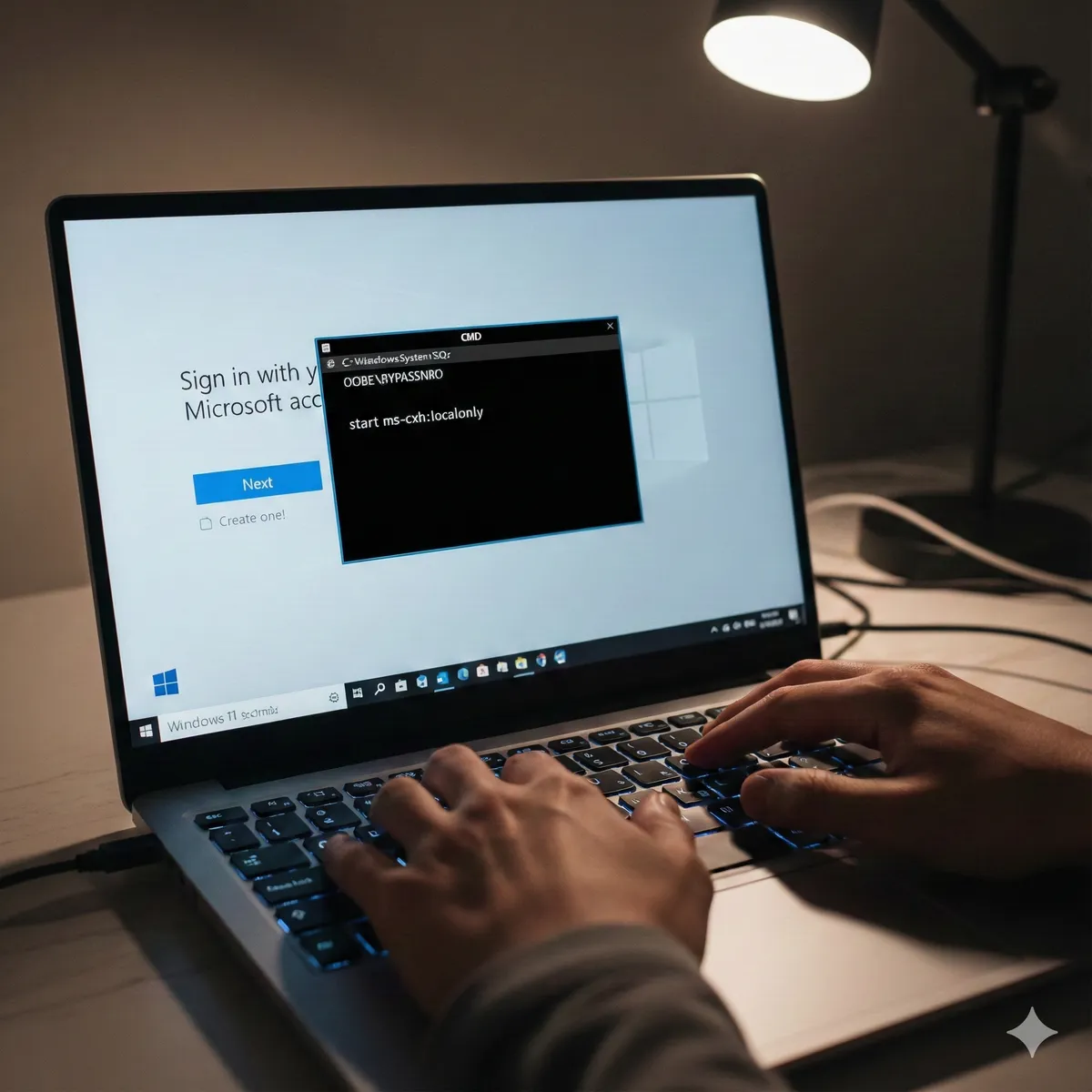
Automated Translation: This article was originally written in Spanish and translated by Gemini AI.
If you are installing Windows 11 and find yourself obligated to create a Microsoft account to continue, don't worry. There is a simple method to skip this step and continue with a local account.
🔧 Steps to Bypass Microsoft Account Creation
1. Open CMD During Installation
-
When you reach the screen that asks you to sign in with a Microsoft account, press Shift + F10.
-
This will open the command console (CMD).
2. Run the Skip Account Command
-
In the console, type the following command and press Enter:
start ms-cxh:localonly -
The sign-in screen will close and redirect you to local account creation.
3. Create a Local Account
-
Now, you can configure a user without needing a Microsoft account.
-
Enter a username and password if desired.
🚀 Conclusion
With this simple trick, you can avoid the need to use a Microsoft account when installing Windows 11 and proceed with a local account. This is especially useful if you prefer to keep your configuration without links to Microsoft or if you are setting up a PC without an internet connection.
💬 Did this method work for you? Let us know in the comments!
instalación windows 11 windows 11 sin internet omitir login microsoft instalación windows sin cuenta saltar cuenta microsoft cmd windows 11 bypass cuenta microsoft cuenta local windows 11