cd ..
EN
Security
🔐 How to Reset the Windows Hello PIN in Your Company
R
Rodolfo Echenique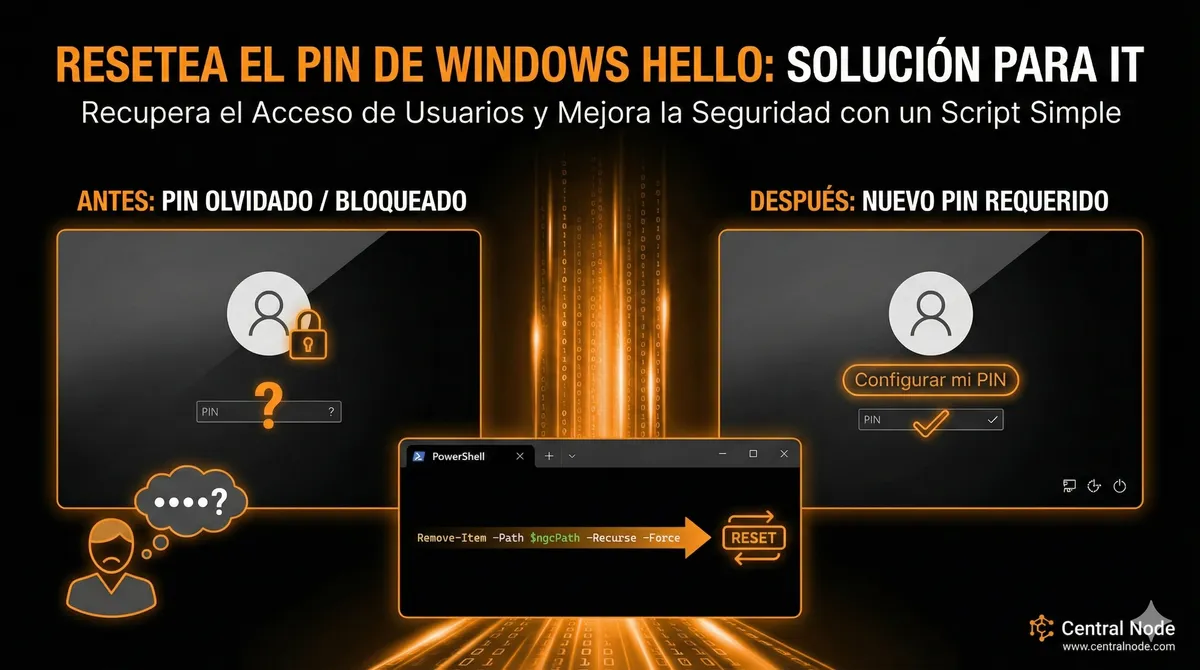
Automated Translation: This article was originally written in Spanish and translated by Gemini AI.
Does your IT team need to force users to recreate their Windows Hello PIN? Avoid access issues and enhance corporate security by following this quick and secure procedure.
📌 Why is this important?
- Prevents employees from being locked out due to a forgotten PIN.
- Maintains security without disabling Windows Hello.
- Allows users to automatically create a secure PIN again.
⚠️ Tip for companies: This procedure is ideal for IT admins who manage multiple devices and need a fast, secure, and standardized method.
🖥️ PowerShell Script to Reset the PIN
Run this as an administrator on the user's computer:
Remove Windows Hello PIN (Ngc folder)
$ngcPath = "C:\Windows\ServiceProfiles\LocalService\AppData\Local\Microsoft\Ngc"
Take ownership of the Ngc folder
takeown /F $ngcPath /R /D Y
icacls $ngcPath /grant administrators:F /T
Delete Ngc content
Remove-Item -Path $ngcPath -Recurse -Force
Write-Output "✅ PIN removed. The user must configure a new PIN at the next login."
💡 Benefits for your company
- Fast access recovery for employees without complex intervention.
- Secure procedure that does not disable other Windows Hello functions.
- Can be automated across all corporate devices using Intune, GPO, or PsExec.
💼 Recommendation for IT managers: Test the script first on a test device and then deploy it to the entire corporate fleet to maintain productivity without security risks.-